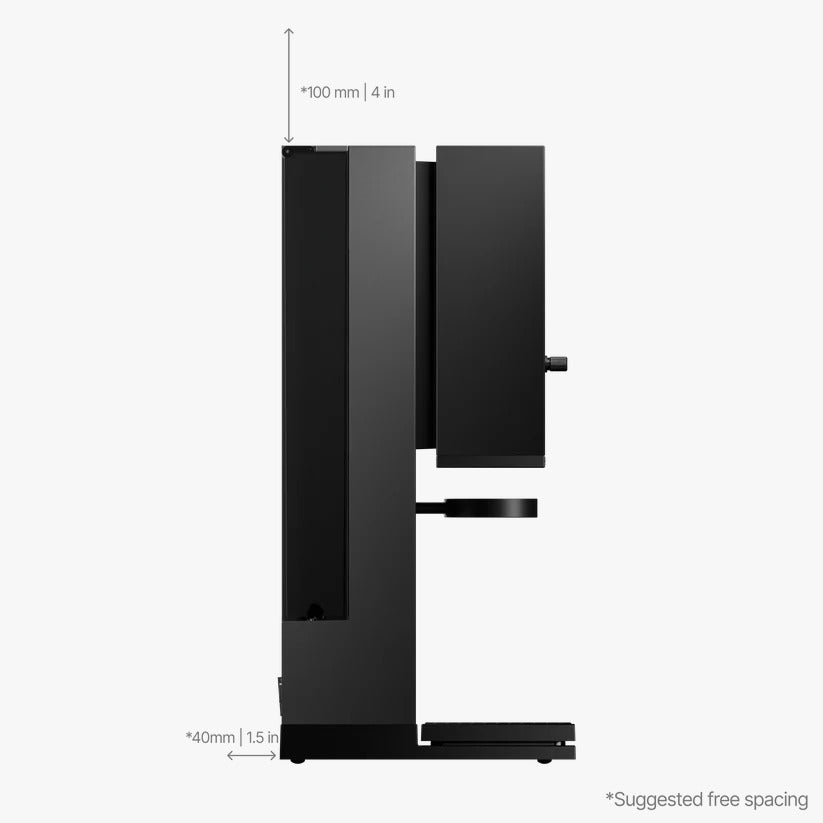
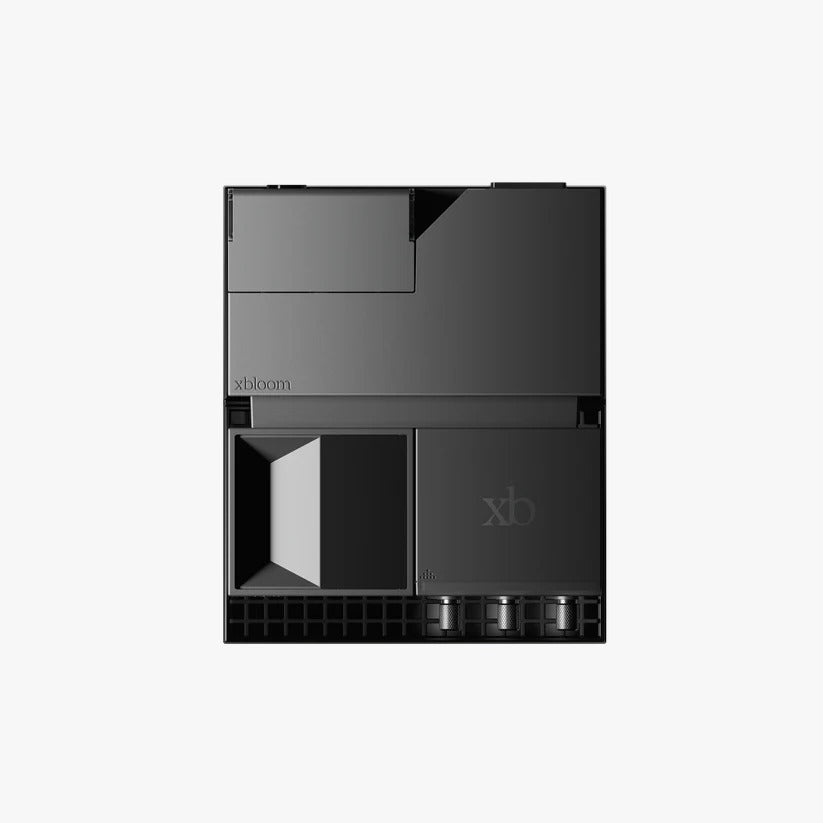
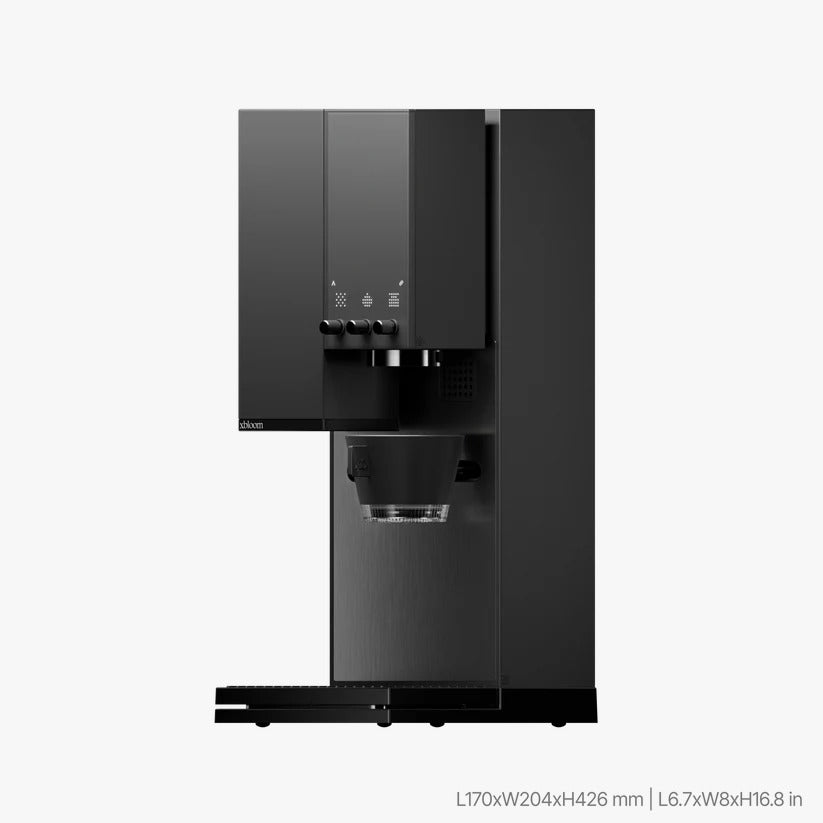
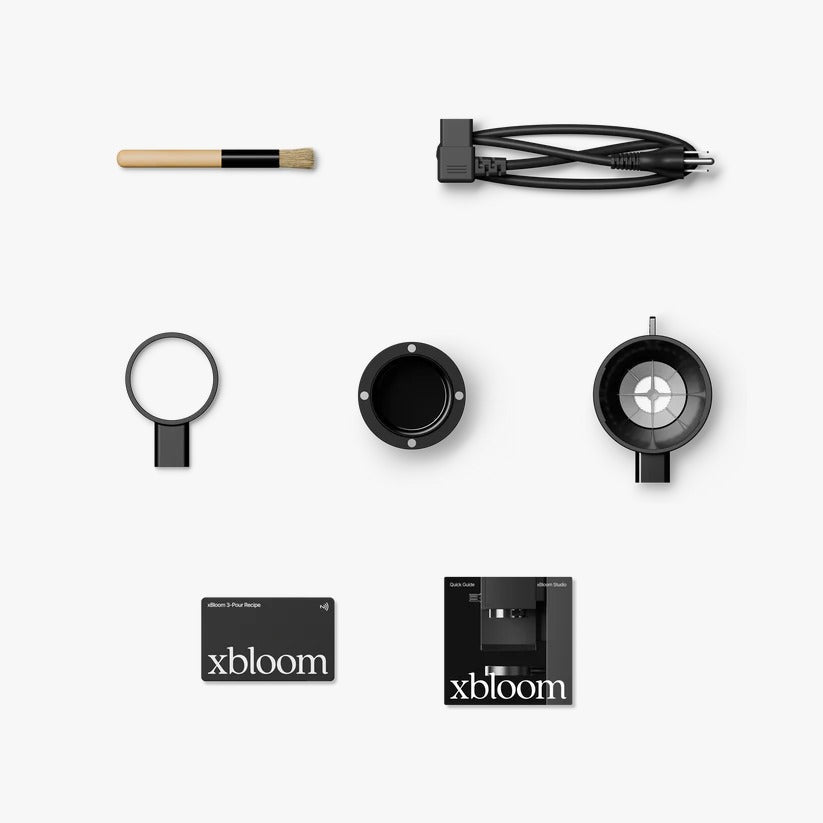
Overview
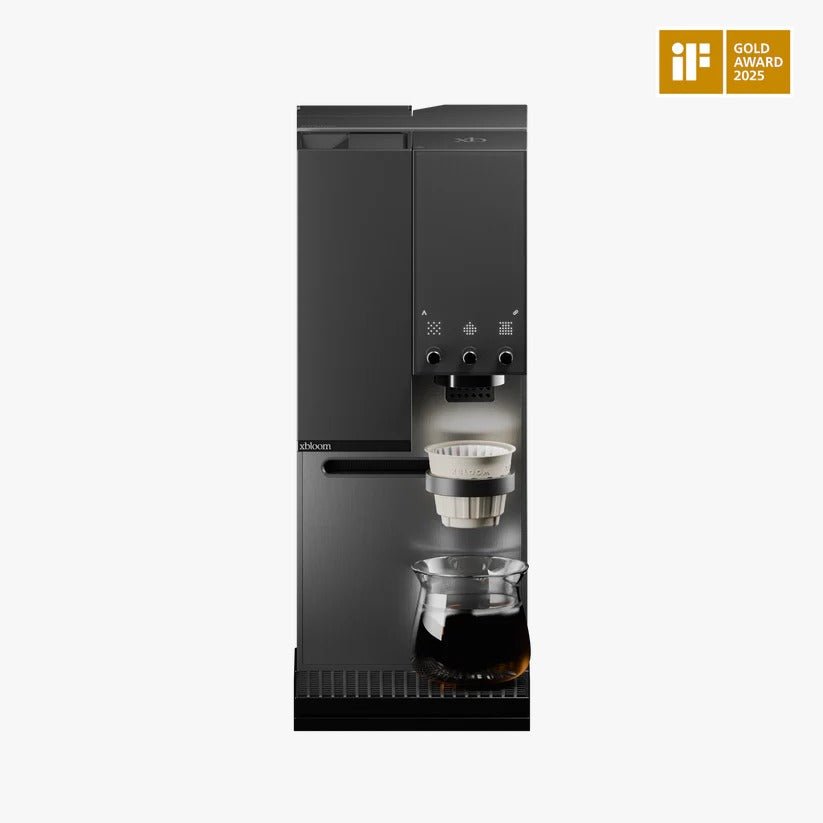
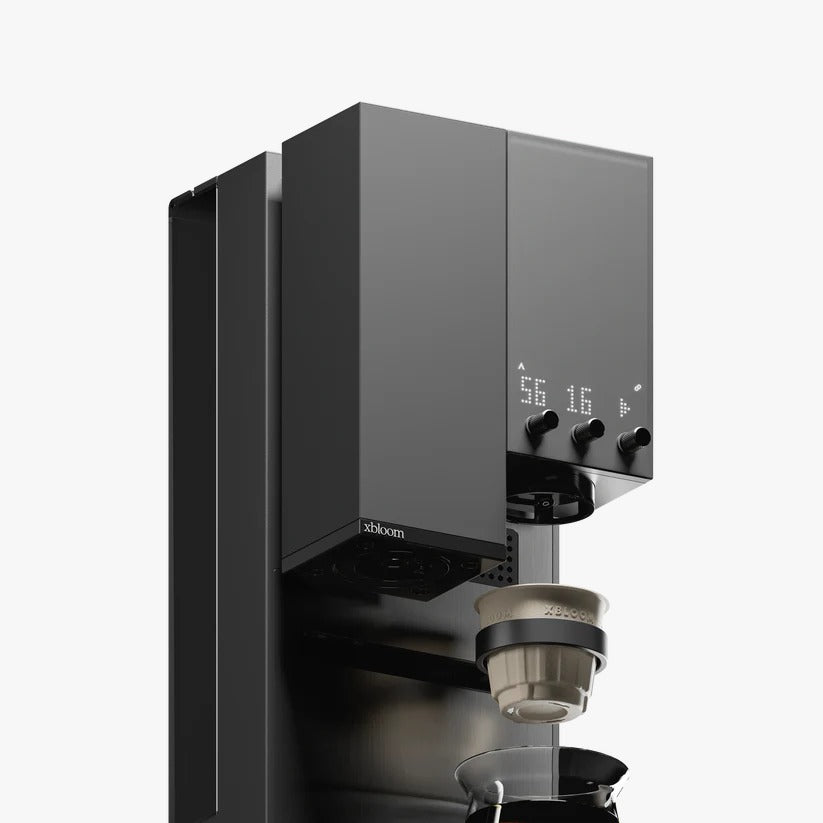
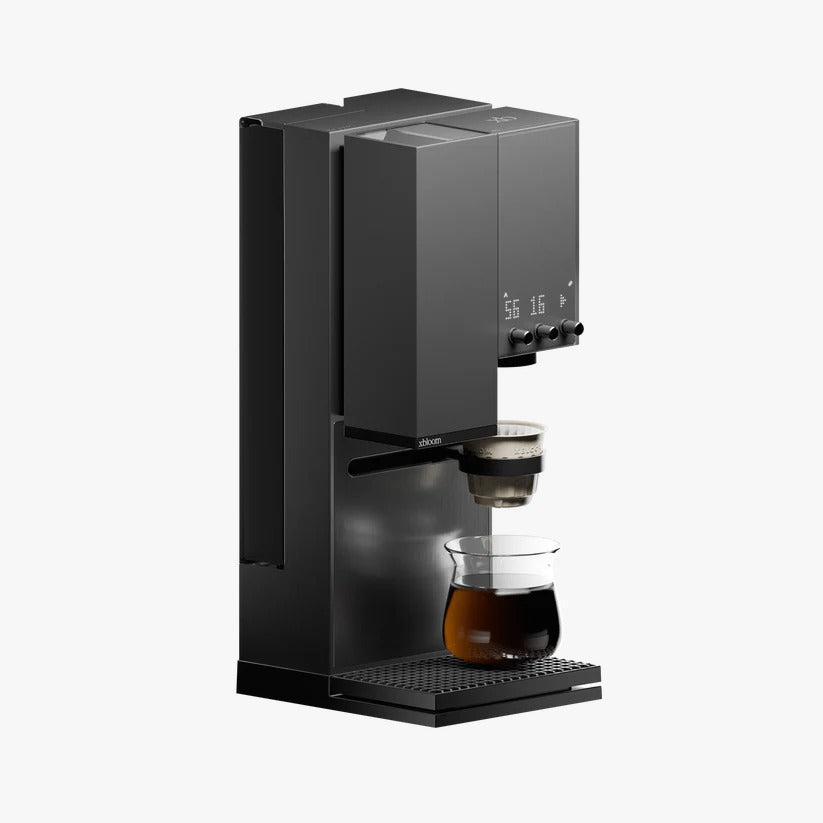
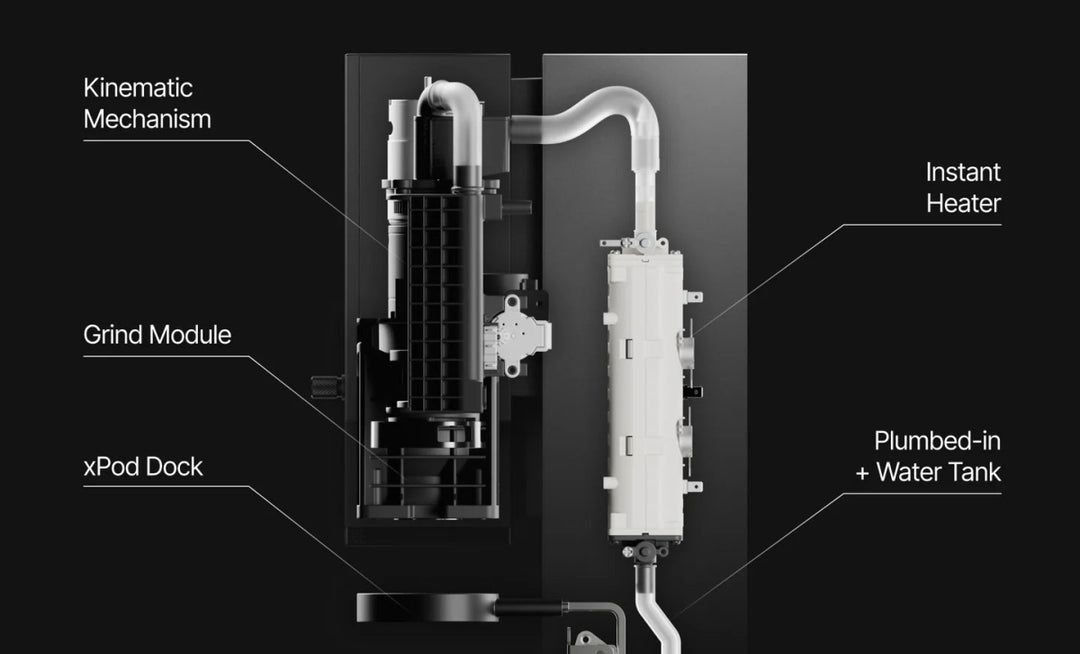
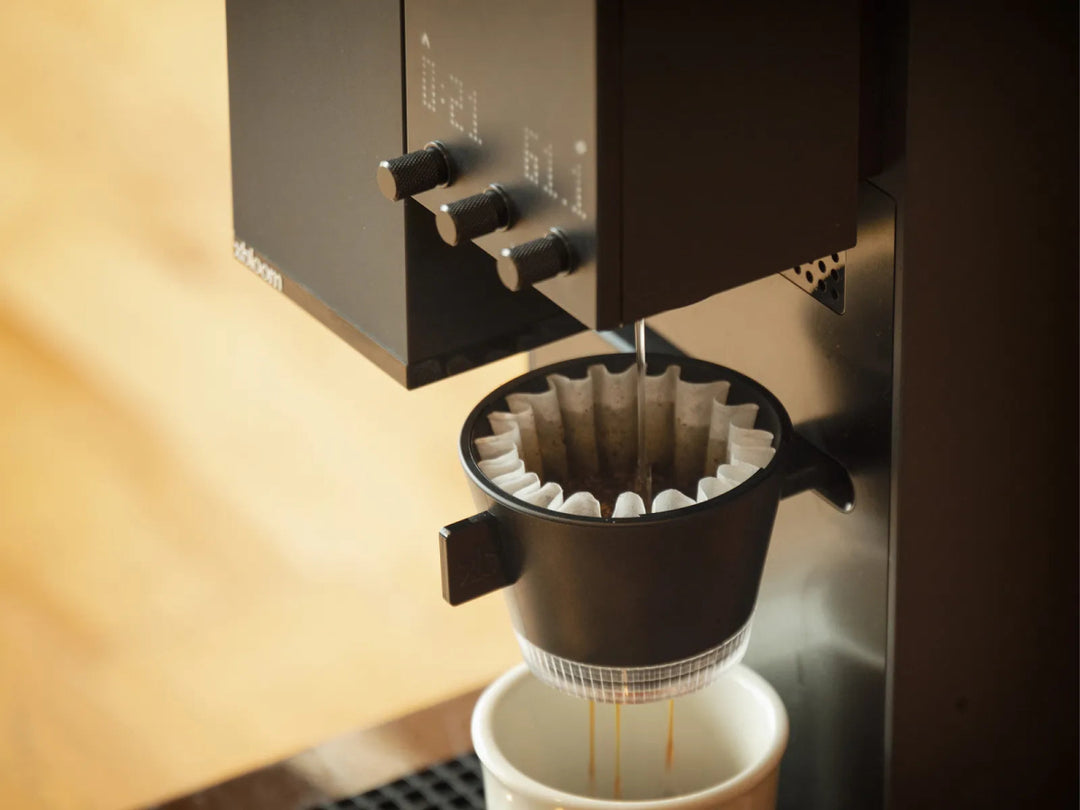
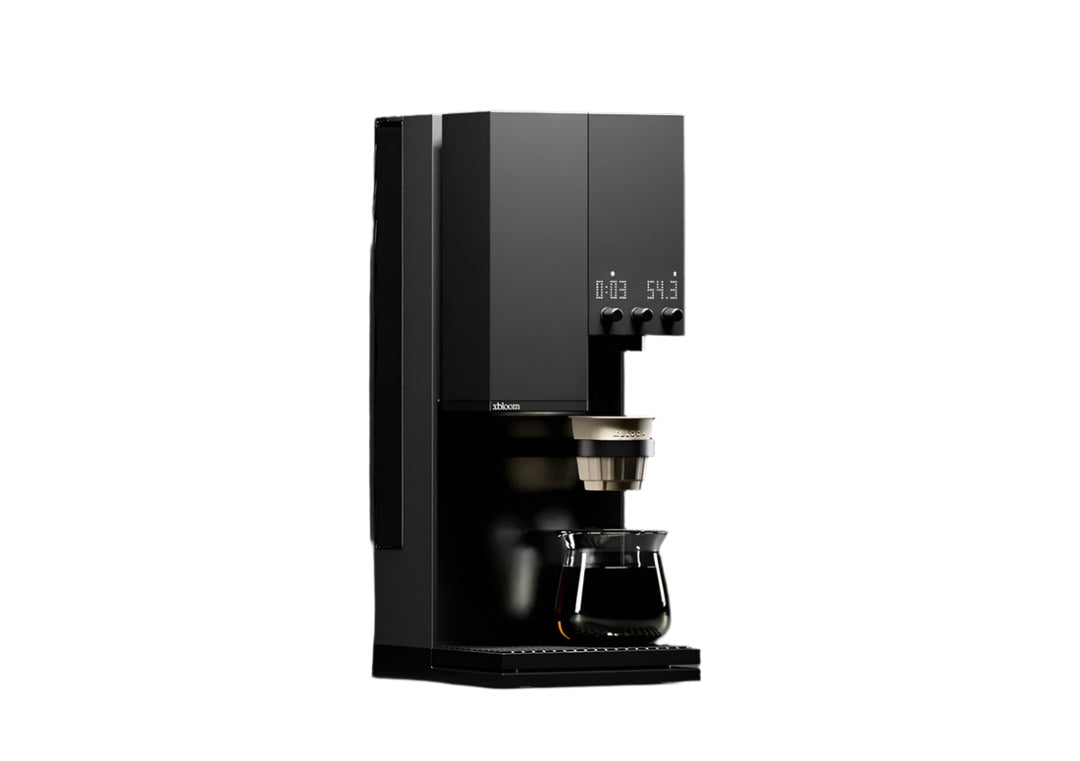
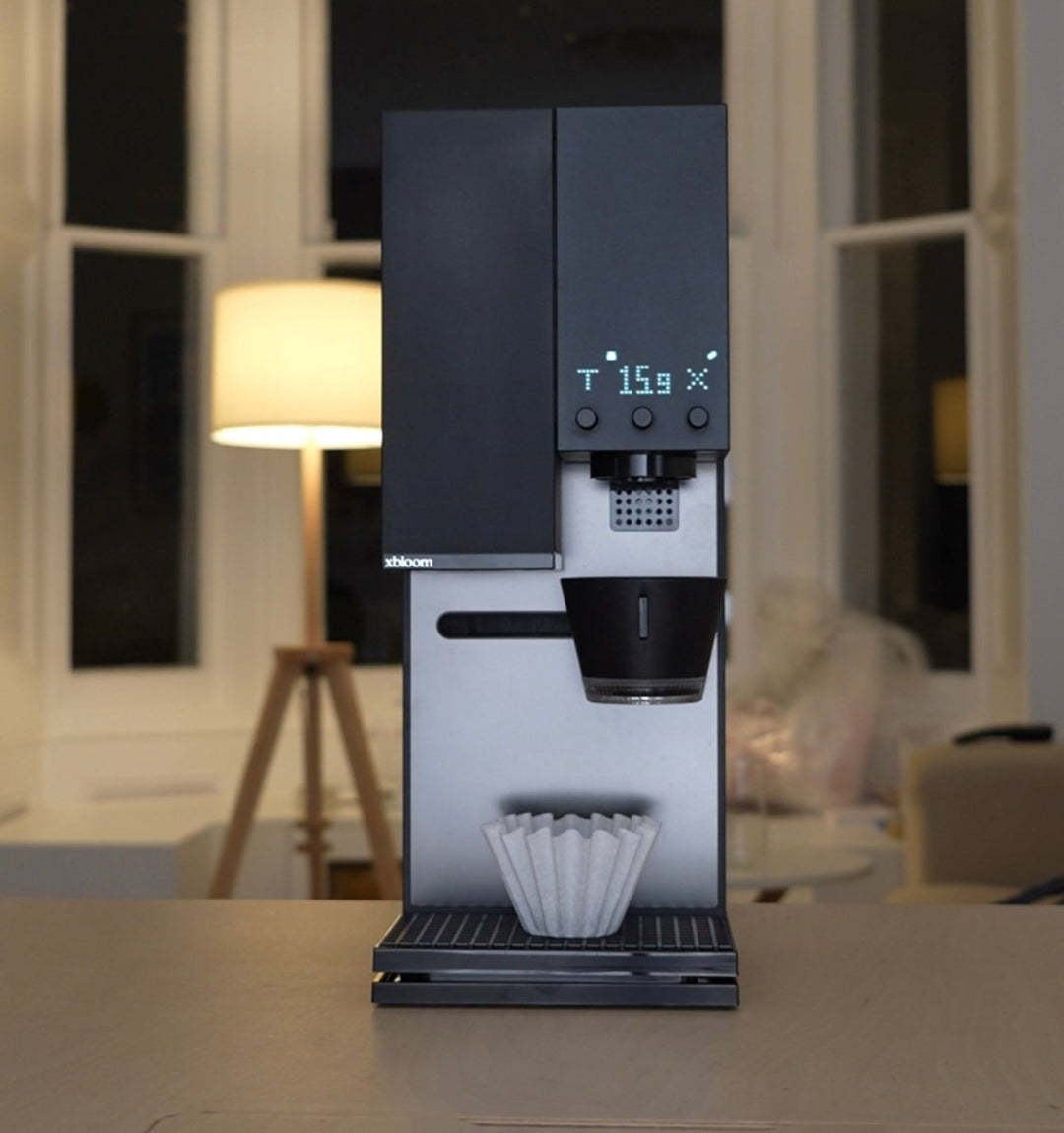
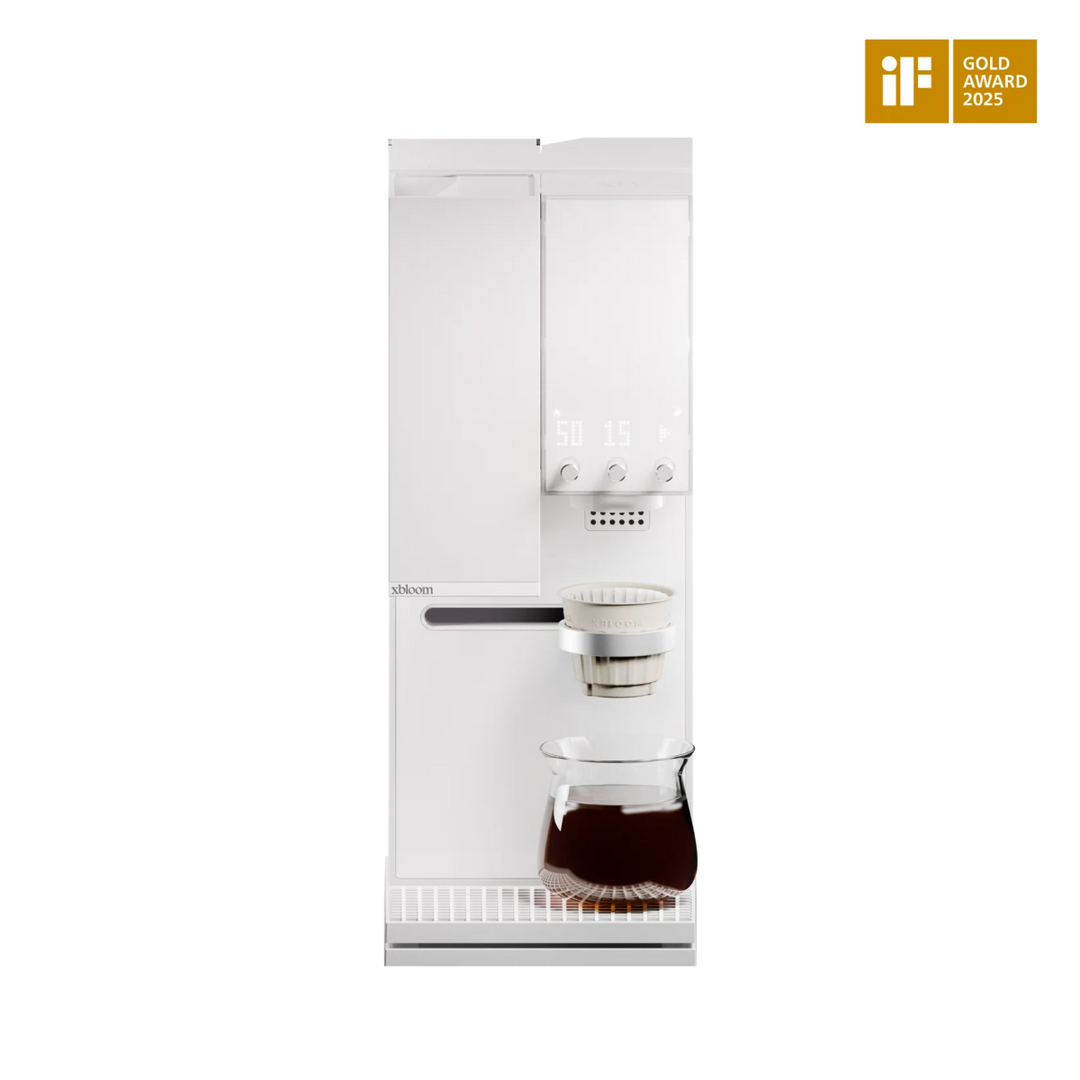
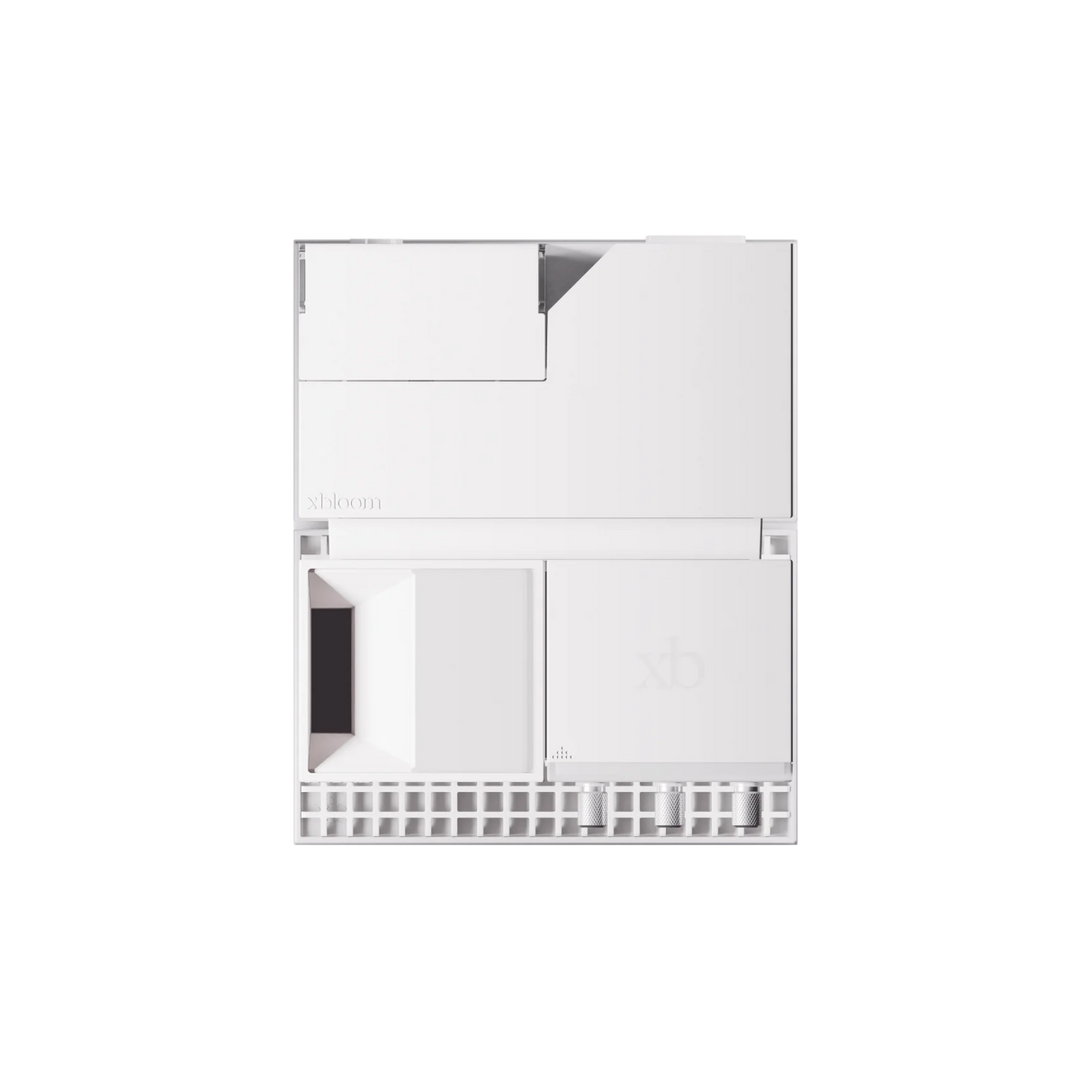
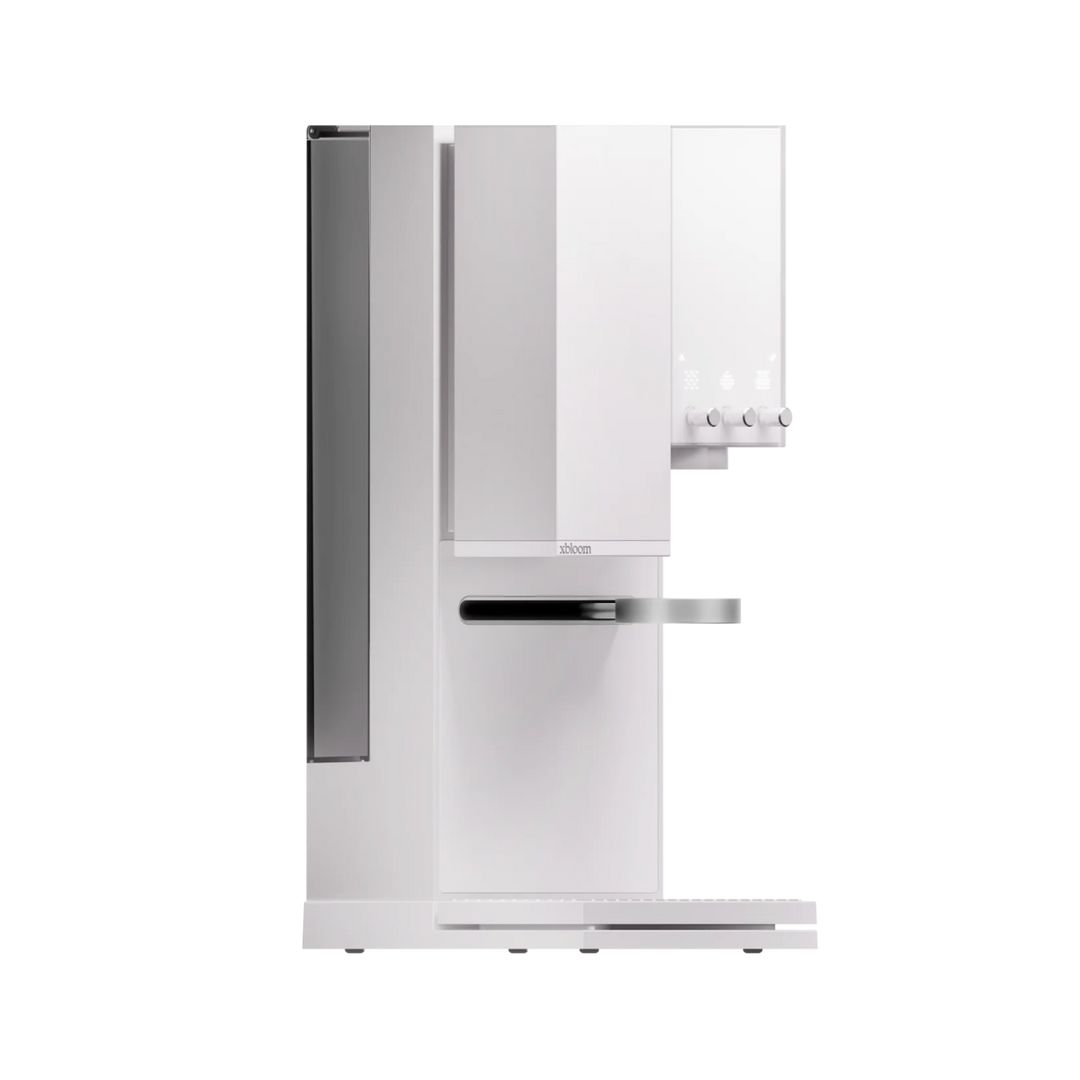
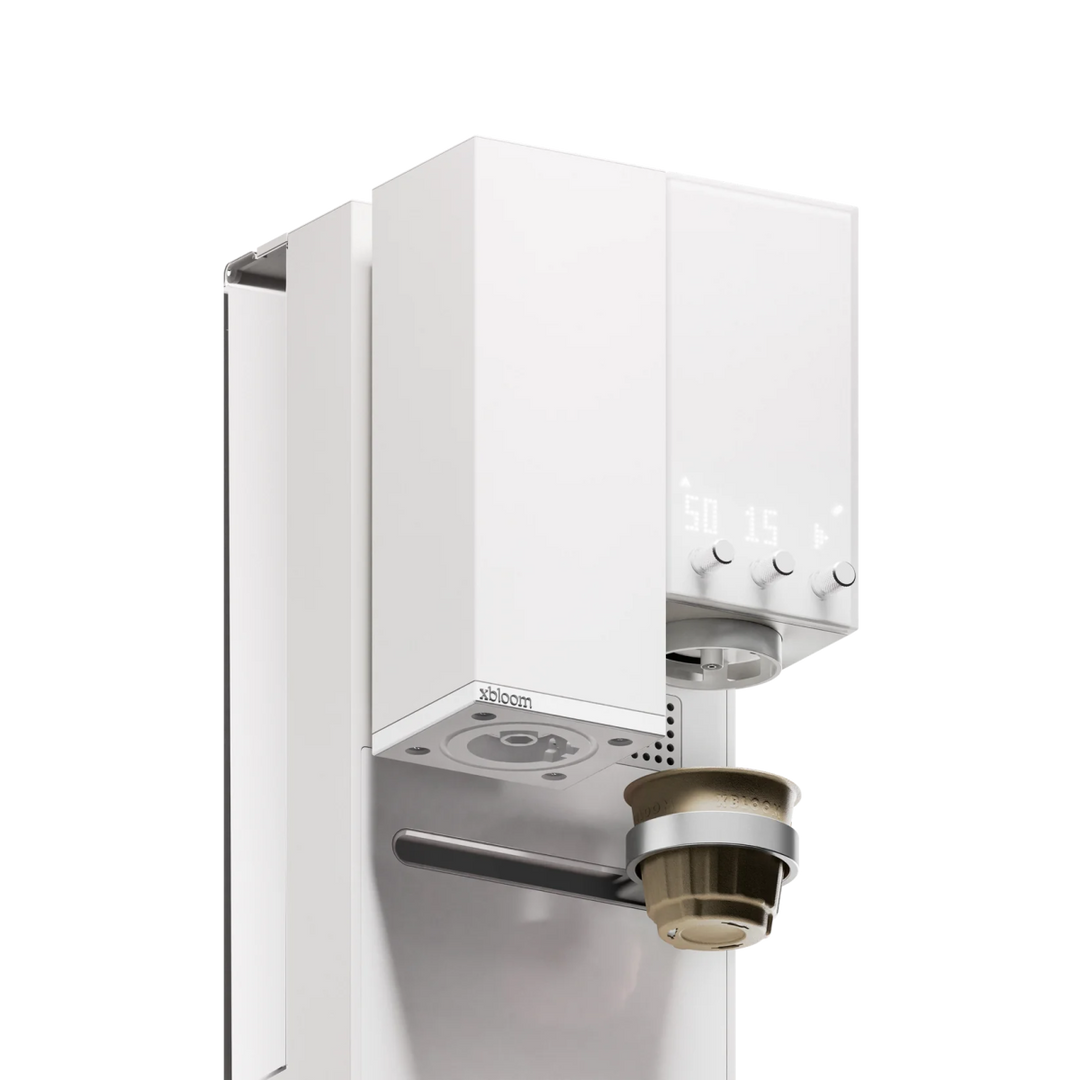
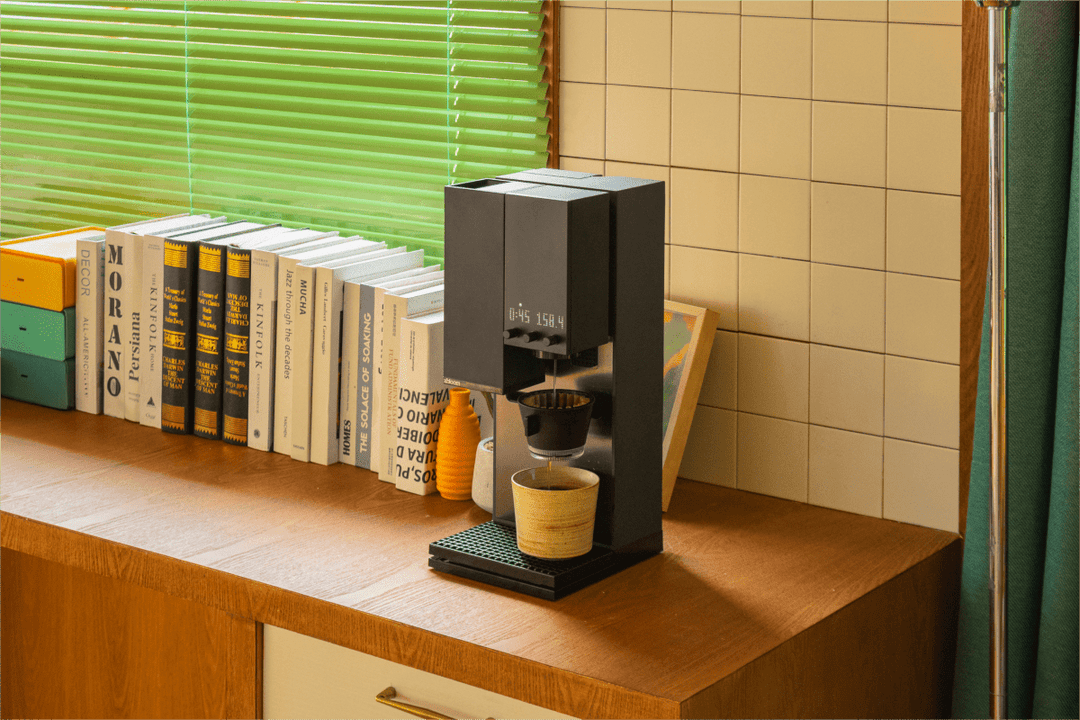
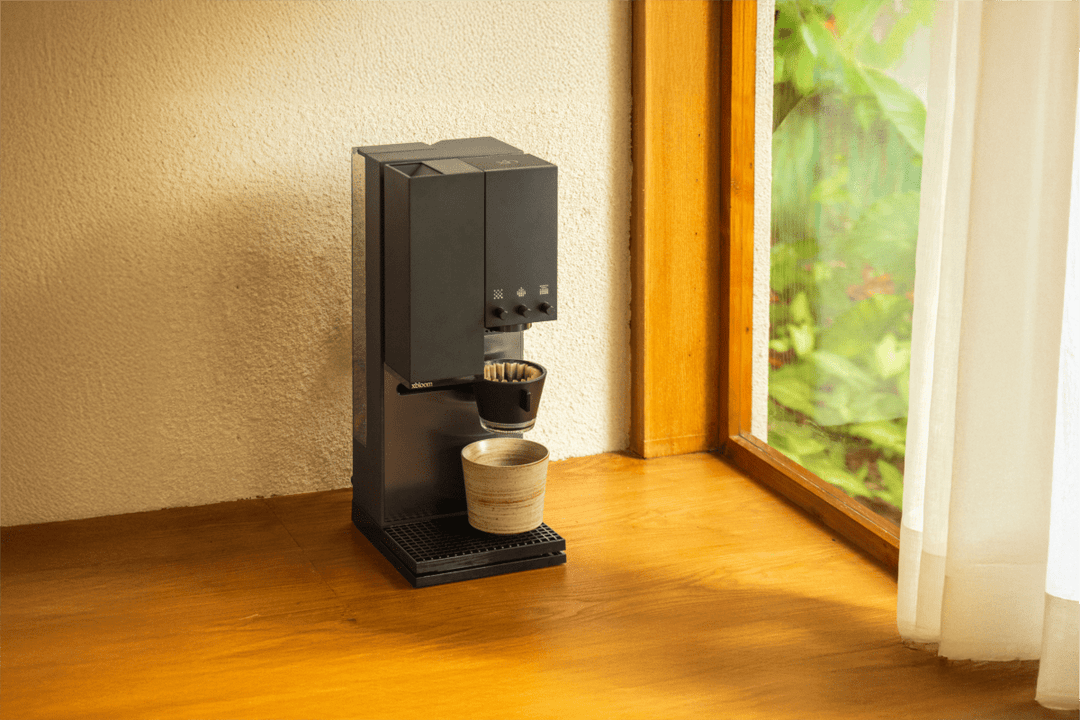
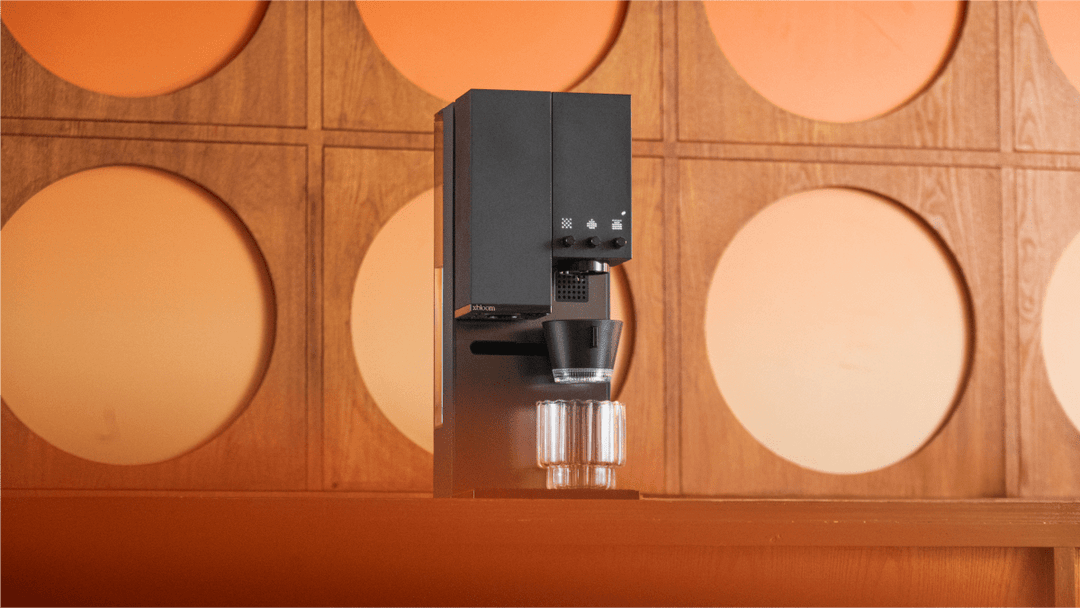
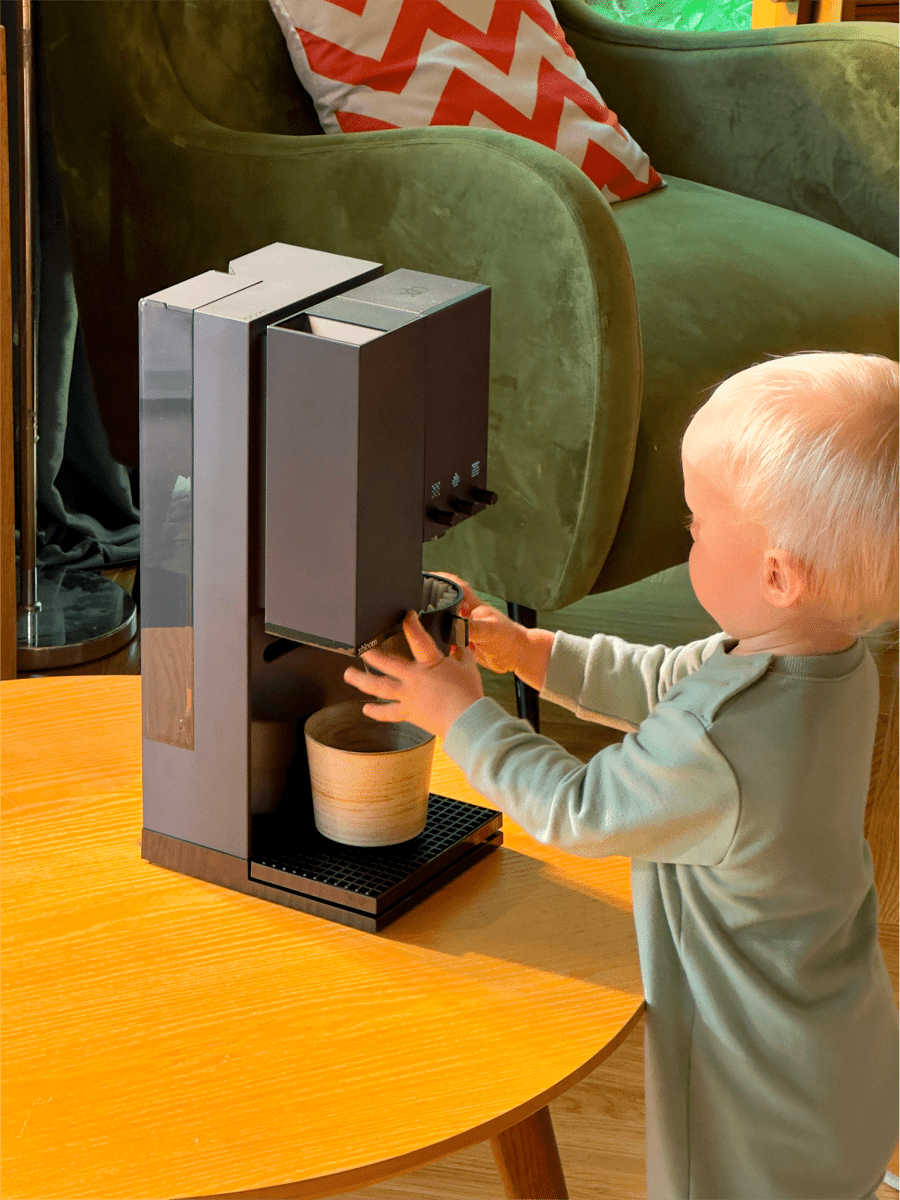
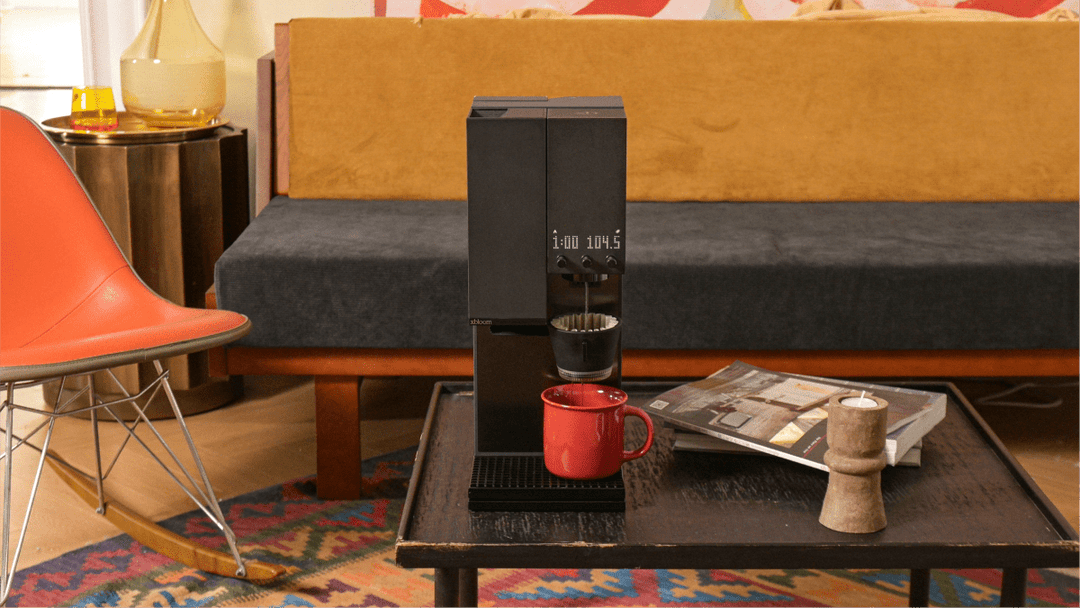
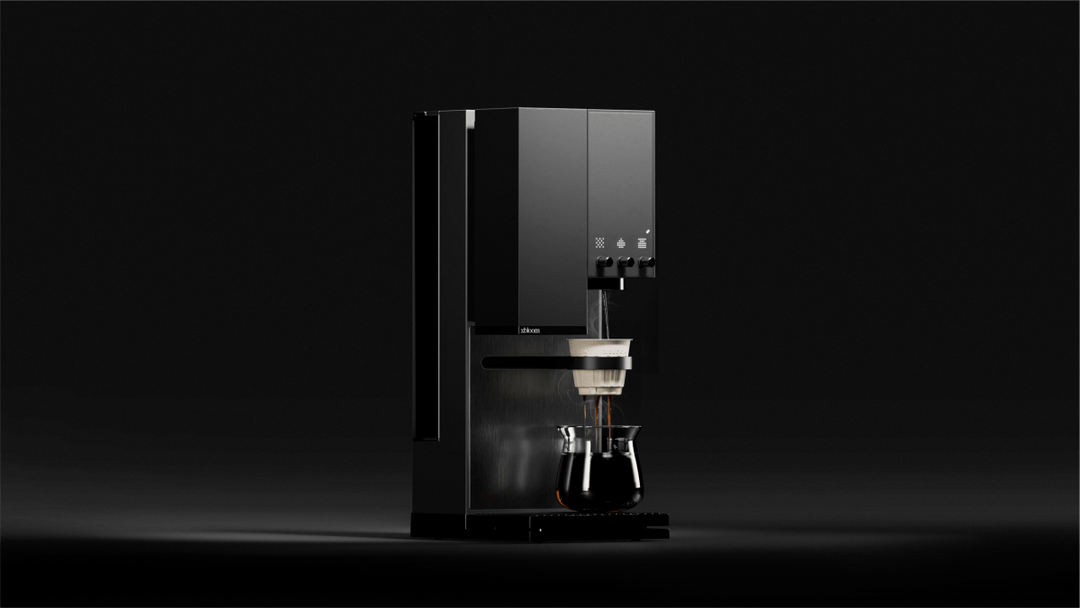
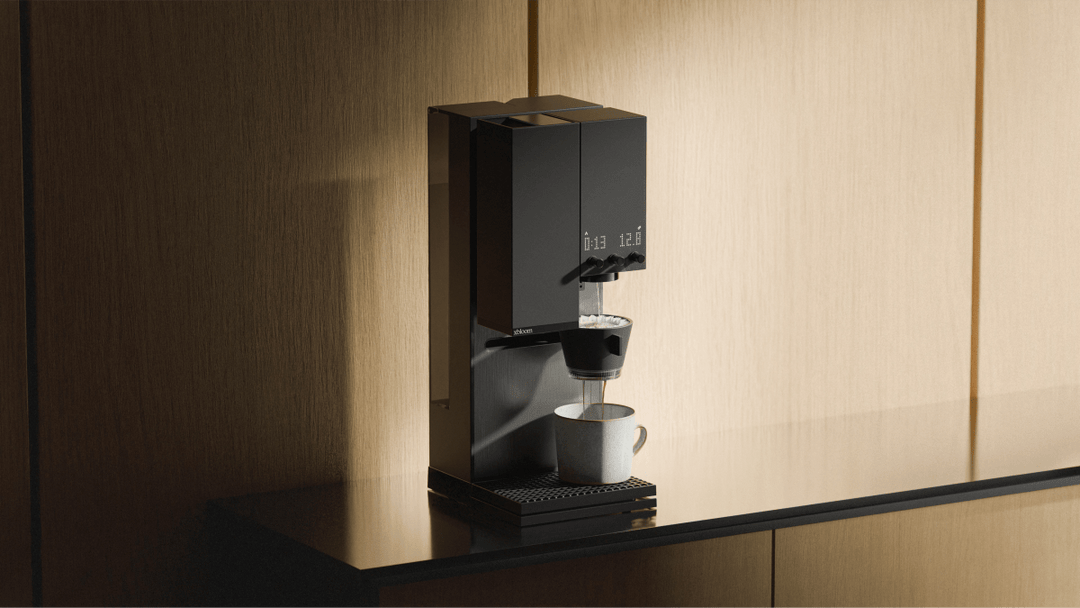
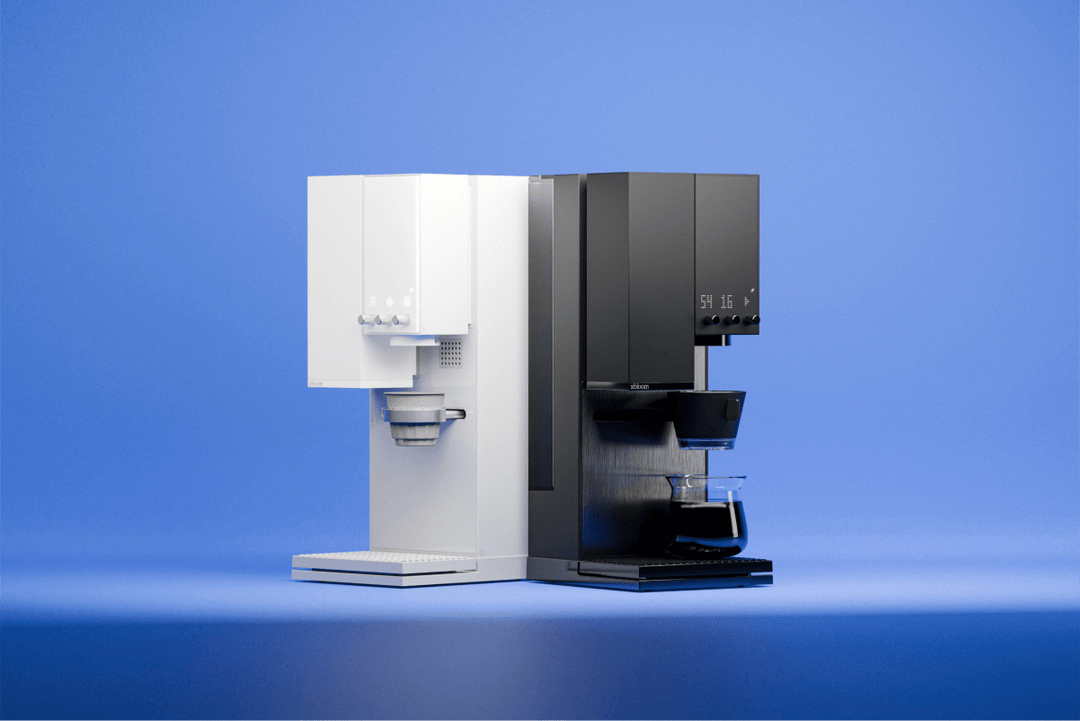
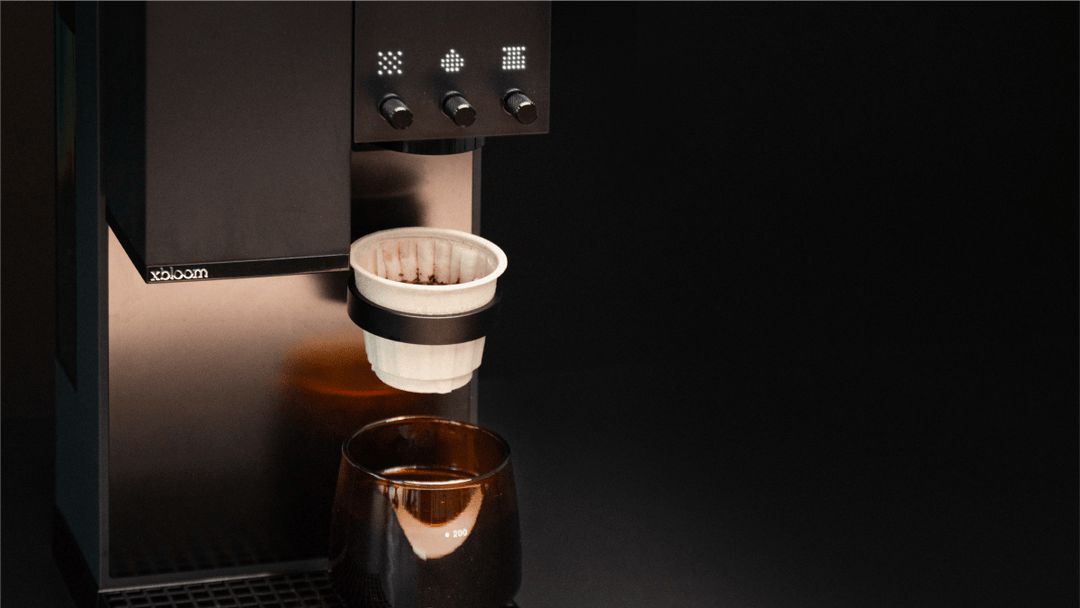
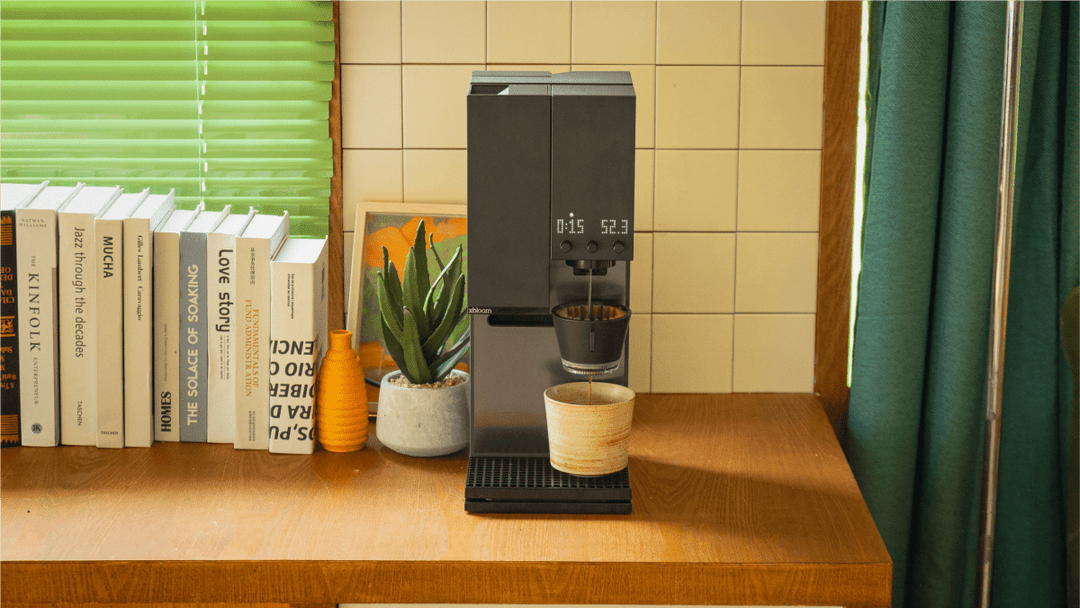
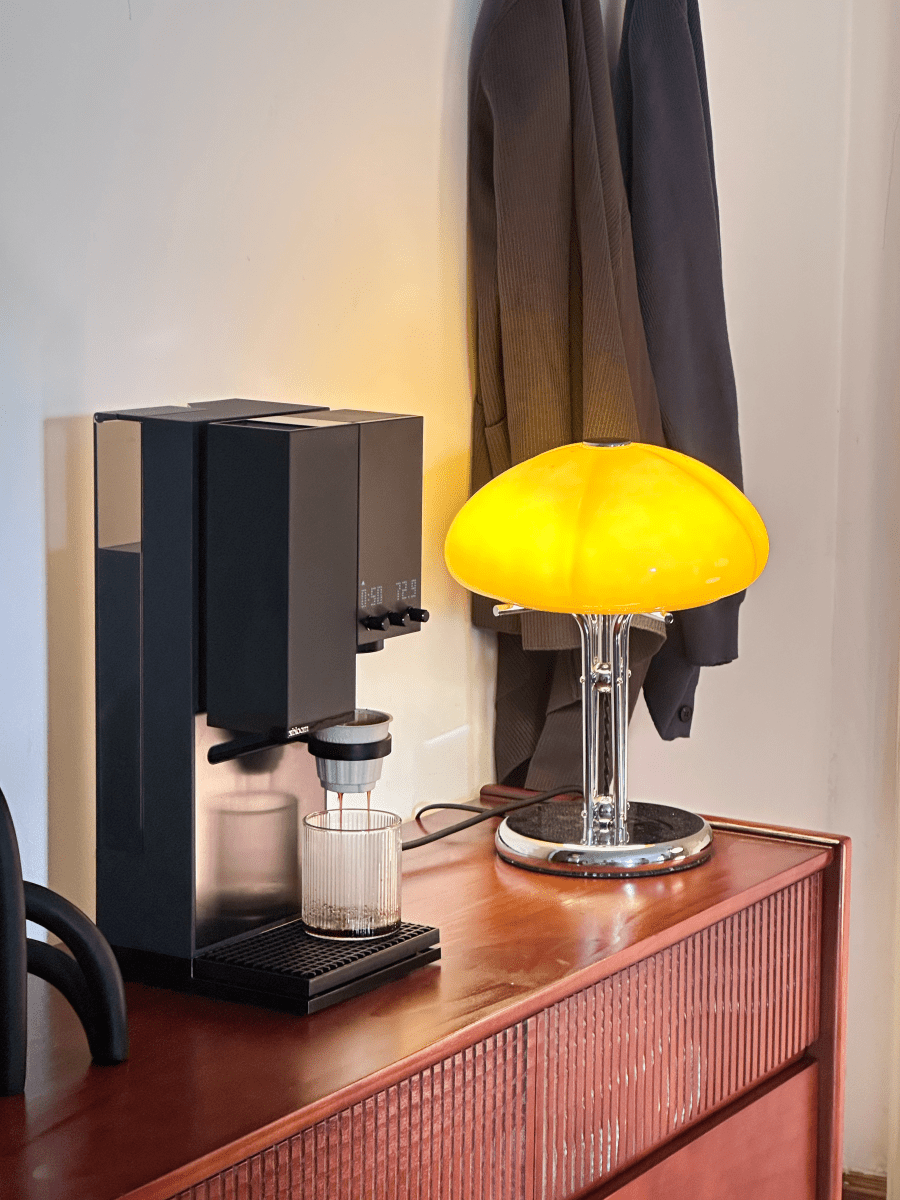
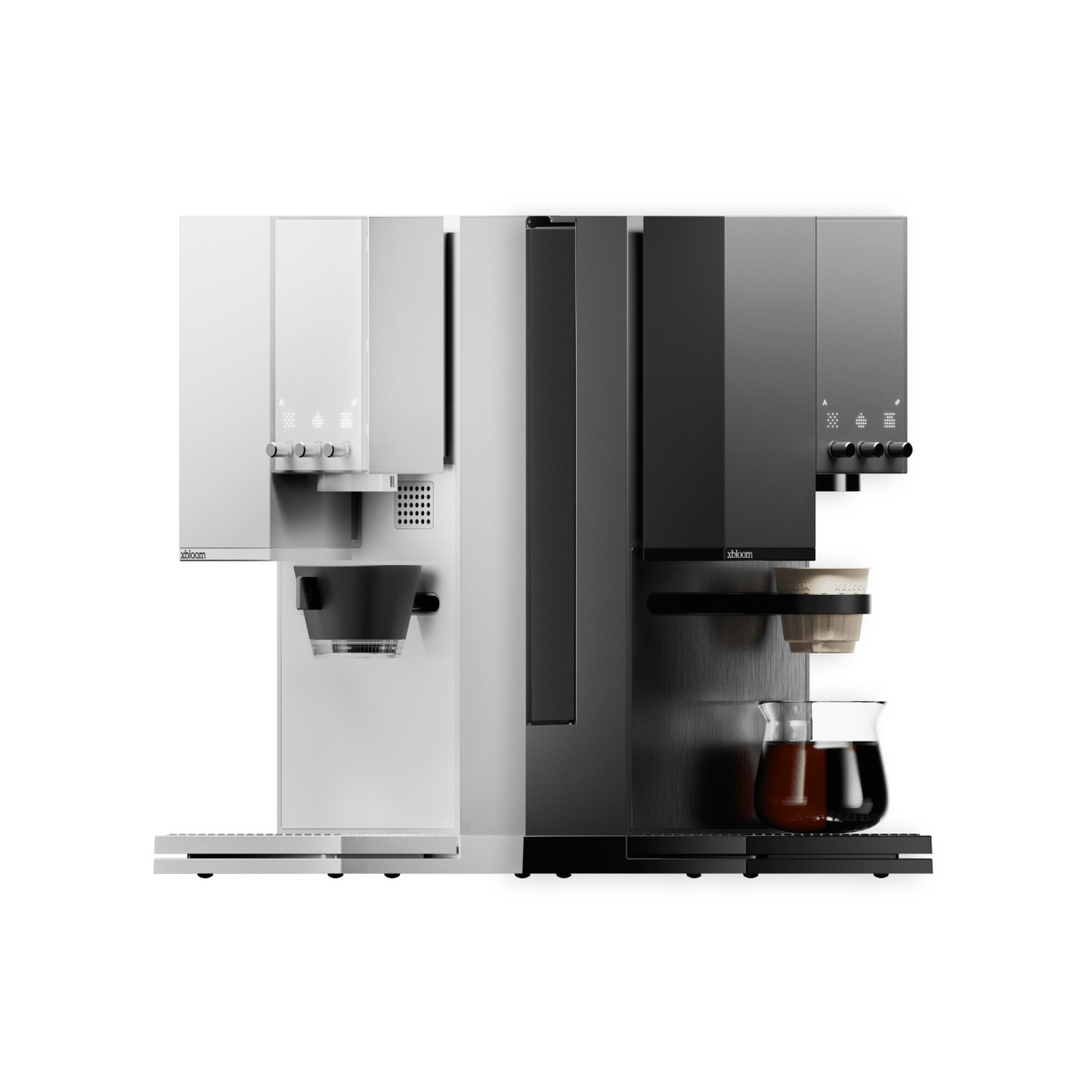
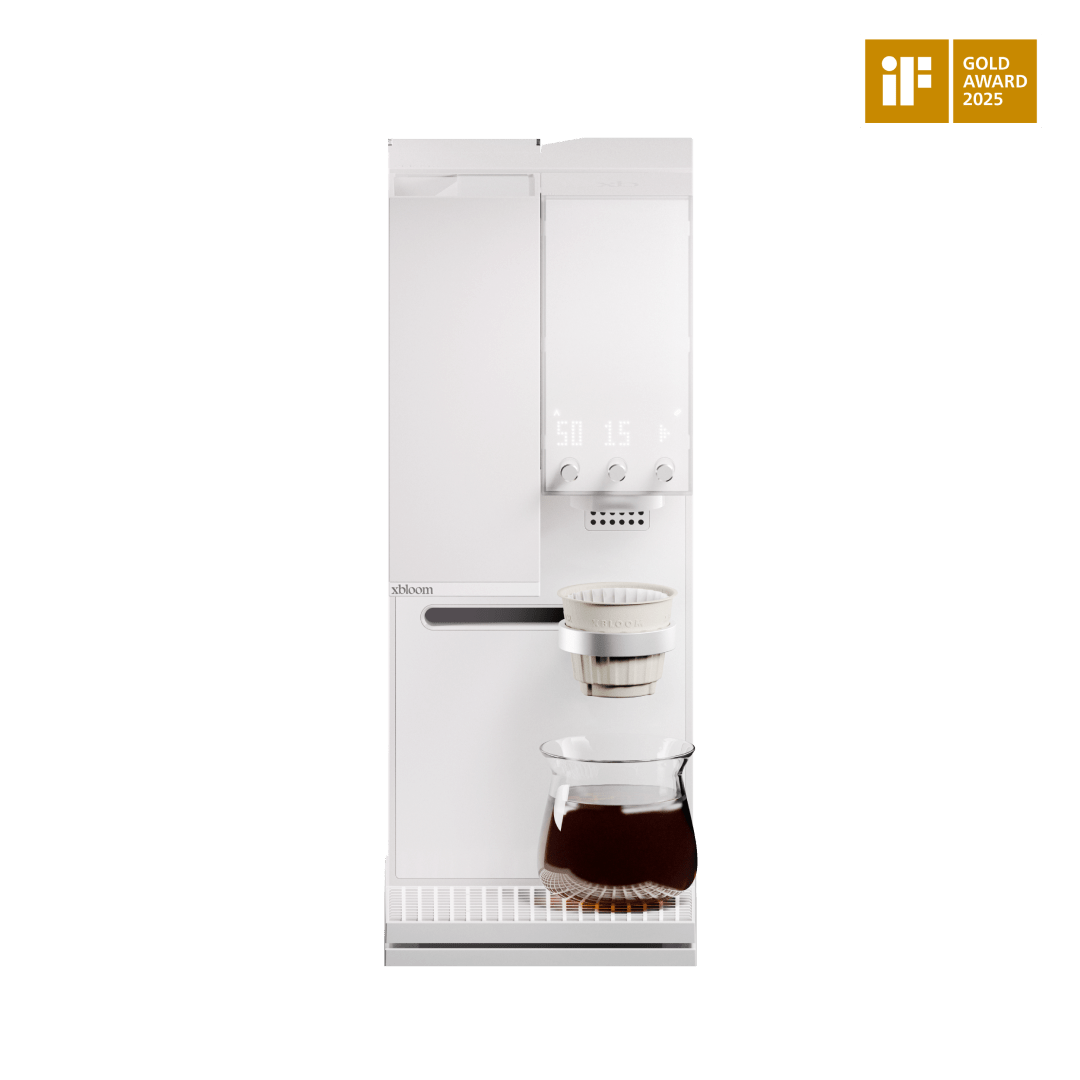
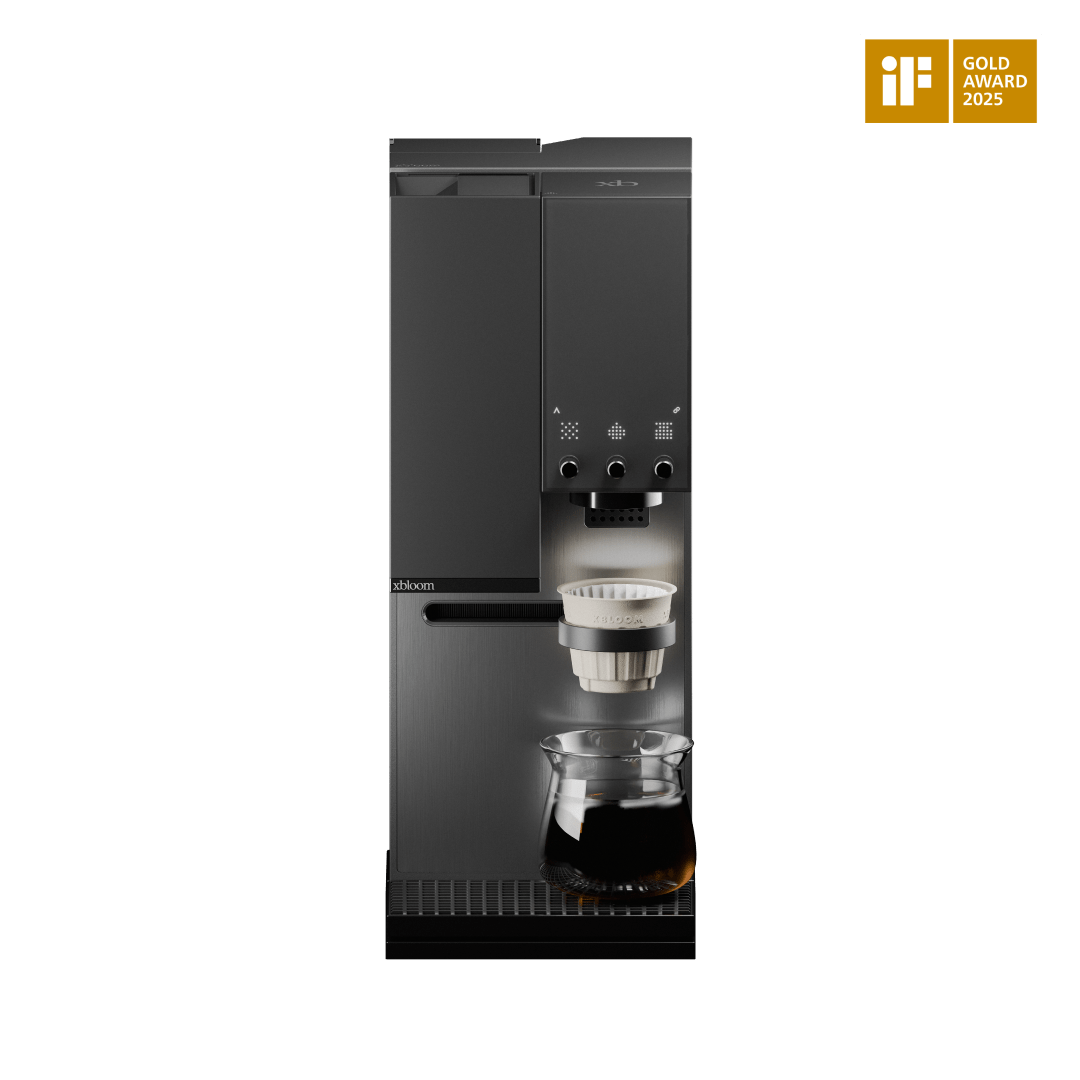
Great pour-over shouldn't need a barista certificate. The xBloom Studio puts a grinder, a brewer and a 0.1 g precision scale into one machine: add your own freshly roasted beans, pick a recipe in the app or take the controls yourself, and it handles grinding, weighing and pouring. Available in Black and Moonlight White.
Our take: who the Studio is for
It's for the filter-coffee lover who wants repeatable pour-over without standing at the kettle every morning, and for the tinkerer who wants to log and tweak recipes. Since it works with your own beans, you can keep buying from your favourite roasters (ours included).
Who might skip it: if you mainly drink espresso, look at our espresso grinders and machines instead; the Studio is a filter-coffee machine.
Related

Features
Ground moments before brewing
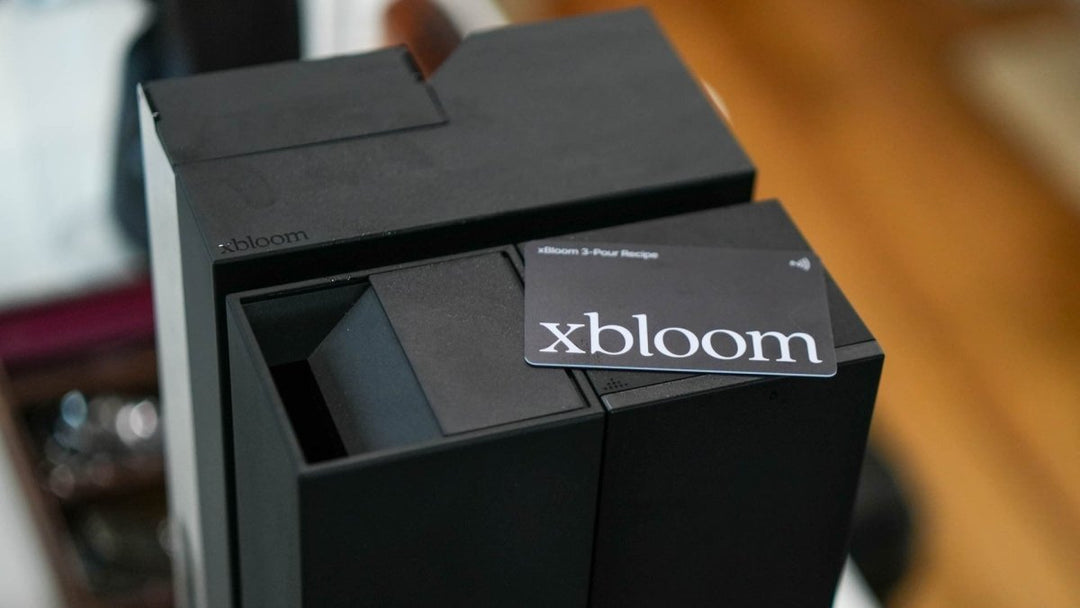
Roaster recipes at a tap
Pour-over precision, automated
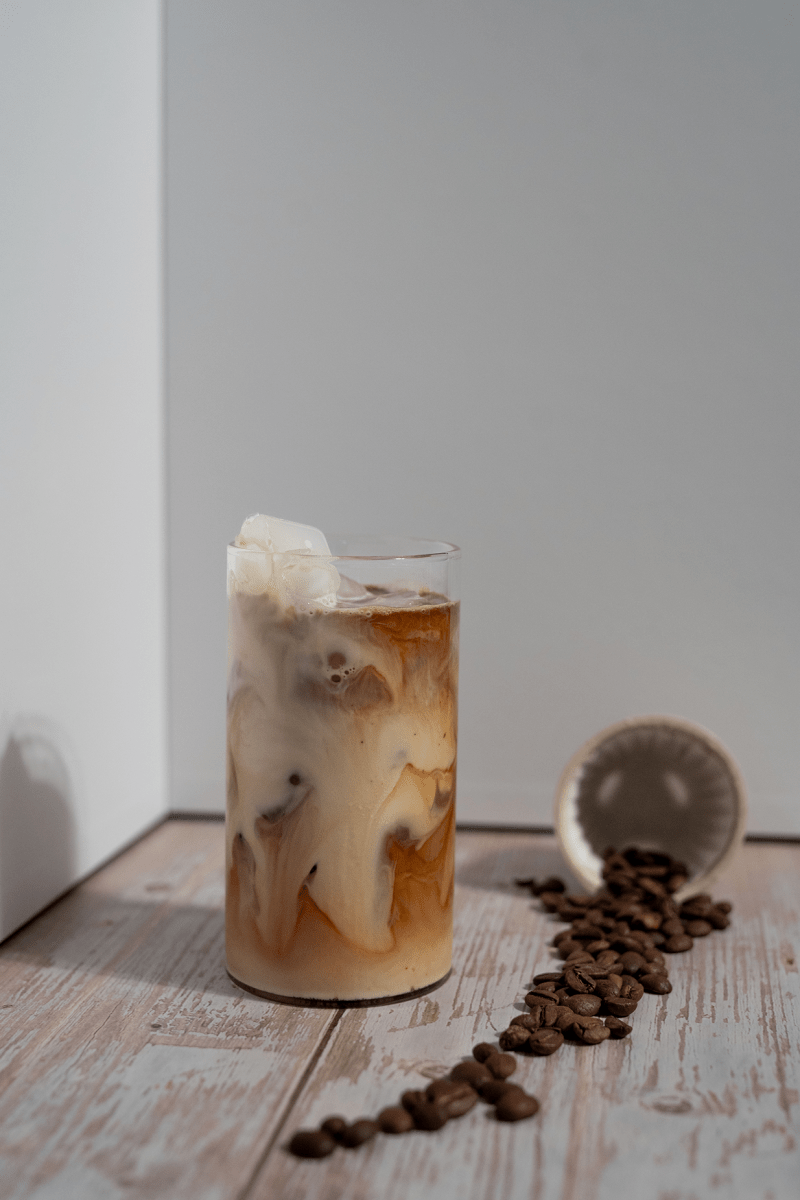
Brew tea with the Omni Tea Brewer
Specifications
Grinder
- Burrs: 48 mm conical burr grinder
- Grind settings: 80
Brewing
- Modes: Autopilot (recipes), Copilot (guided), Freesolo (full control)
- Scale: Built-in, 0.1 g accuracy
- Coffee: Use your own beans; design your own recipes or use app recipes
Smart
- Connectivity: Bluetooth, app: curated recipes, saved brewing profiles
Design
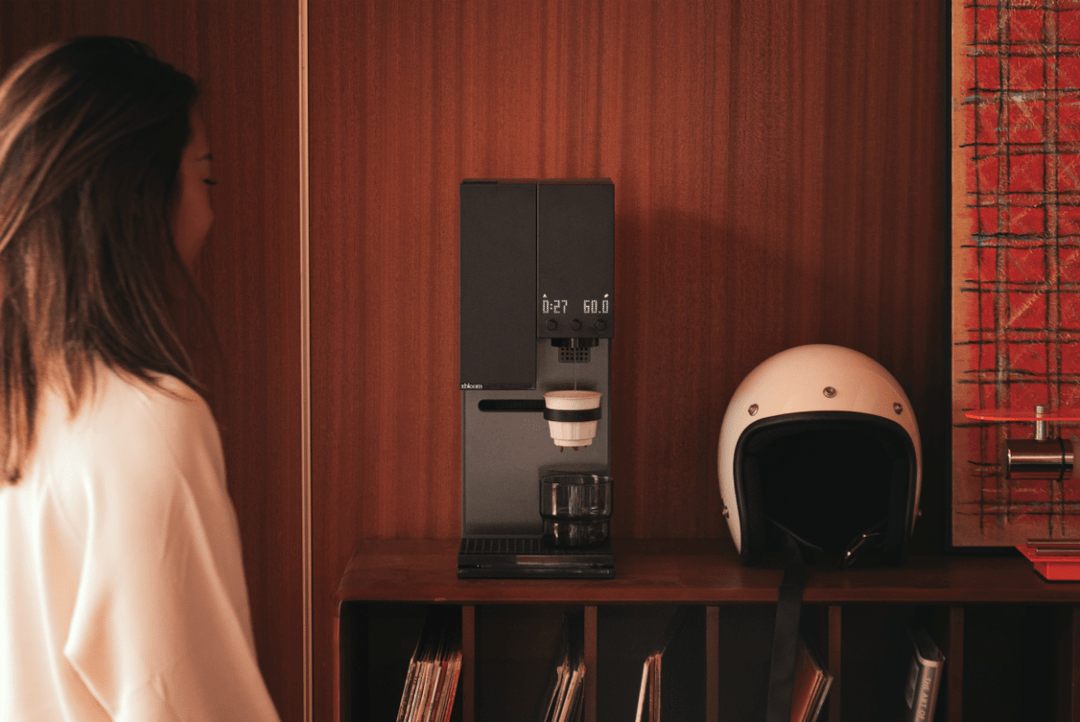
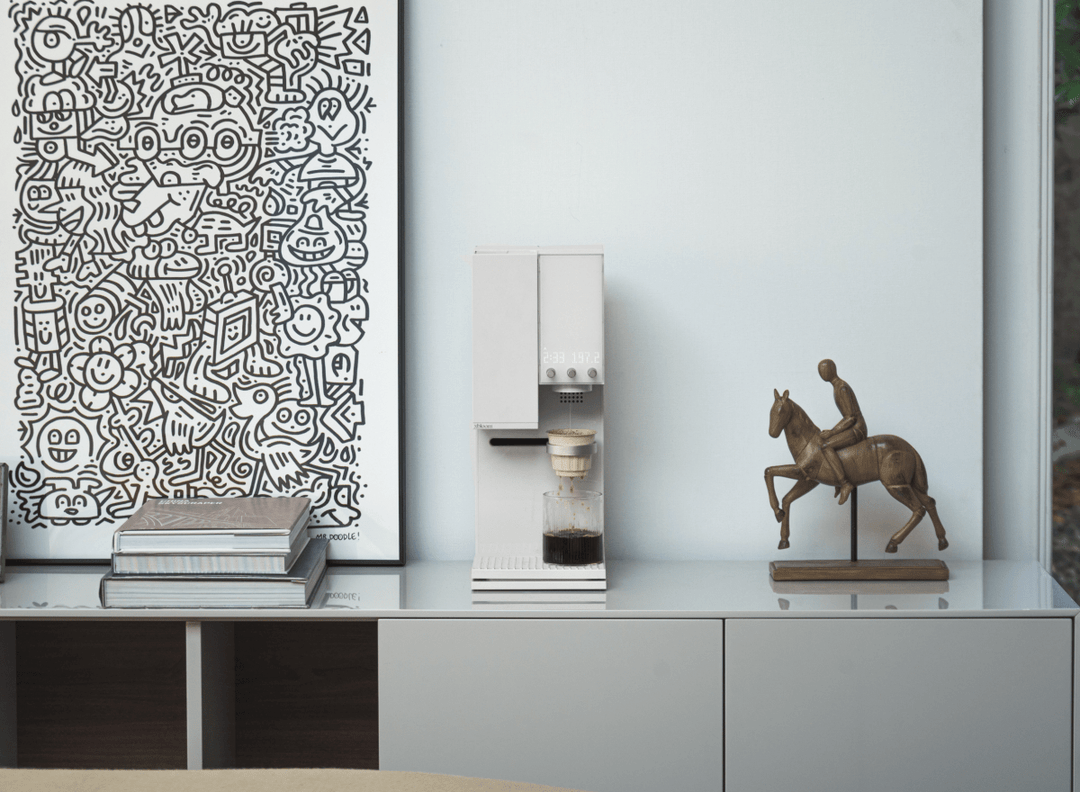
- Colours: Black, Moonlight White
Identifiers
- SKU: XBL-STUDIO-BLCK-1 / XBL-STUDIO-WH
Manuals & downloads
- xBloom Studio: grinder, scale and brewer in one, app recipes or manual control (Freesolo).
- Manual setup (e.g. Varia VS3 Gen 2 grinder + AKU Pro scale + AURA kettle): more hands-on, more flexible, more counter space.
See it in action
Frequently asked questions
Can I use my own coffee beans with the xBloom Studio?
Yes. The machine is designed to brew with freshly roasted coffee beans of your choice, allowing you to customize grind size, brew ratio, and extraction parameters.
Can I create my own coffee recipes?
Absolutely. You can design custom recipes in the app, adjust brewing variables, save them, and reuse them whenever you want.
Are there pre-programmed recipes available?
Yes. The machine includes built-in brewing recipes for different roast levels, and you can store up to three recipes directly on the machine for quick brewing.
Do I need the app to use the machine?
No. You can brew directly using the machine’s interface and saved recipes. The app simply provides additional customization and recipe management.
What brewing modes does the xBloom Studio offer?
The machine includes three modes:
Automatic mode for simple, consistent brewing
Guided recipe mode for brewing with customized profiles
Manual mode for full control of grind, pour, and extraction
Can I adjust brewing parameters?
Yes. You can control grind size, water temperature, pouring patterns, brew ratio, and extraction time to dial in your ideal flavor profile.
What grind range does the built-in grinder support?
The integrated grinder offers 80 grind settings, covering everything from espresso-style grind sizes to coarse grind for immersion brewing.
Can the grinder, brewer, and scale be used separately?
Yes. The machine’s modular design allows you to use the grinder, brewer, and scale independently if desired.
Is the xBloom Studio suitable for beginners?
Yes. Built-in recipes and automated brewing make it easy for beginners, while advanced customization tools provide depth for experienced coffee enthusiasts.
Delivery & warranty
Dispatch & delivery
In-stock items are dispatched within 1–2 working days. Delivery cost and time for your country are shown in the cart and at checkout.
Shipping detailsReturns
15 days to return unused items, 30 days for orders delivered 1 Dec–31 Jan. You pay return shipping, unless the item arrived faulty or wrong.
Returns & warrantyWarranty
2-year warranty with service in Europe. For a warranty issue, we cover the return shipping.
Questions? Chat with our coffee team.
Ask us on chat. Our assistant answers 24/7, and a person from our team takes over 9:00–15:00 CET.